Create or join a club
Set up your organization, or accept an invitation to join an existing one.
Every action in CricKizuna happens inside a club (an “organization”). First create your account, then either start your own club or join one you've been invited to. It takes a couple of minutes.
- 1
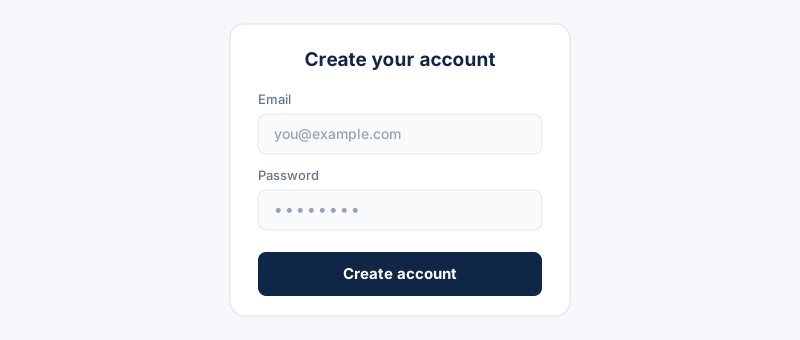
Create your account: open the Sign up page, enter your email and choose a password, then select “Create account”.
- 2
Verify your email: open the email we send you and click “Confirm email address”. Signing in and club access stay locked until your email is confirmed.
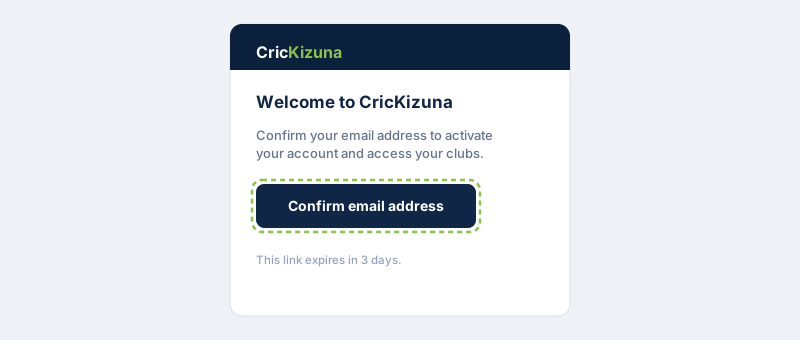 The confirmation link expires in 3 days. If it lapses, sign in and choose “Resend” to get a fresh one.
 - 3
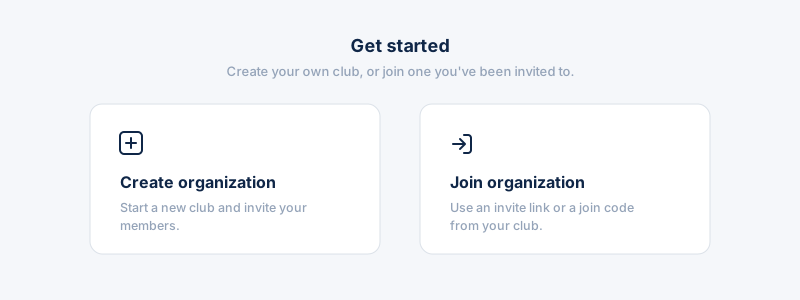
Sign in. If you don't belong to any club yet, you're asked whether to create a new organization or join an existing one.
- 4
To start your own: choose “Create organization”, enter the club name, location and country, then select “Create”. You become the club owner.
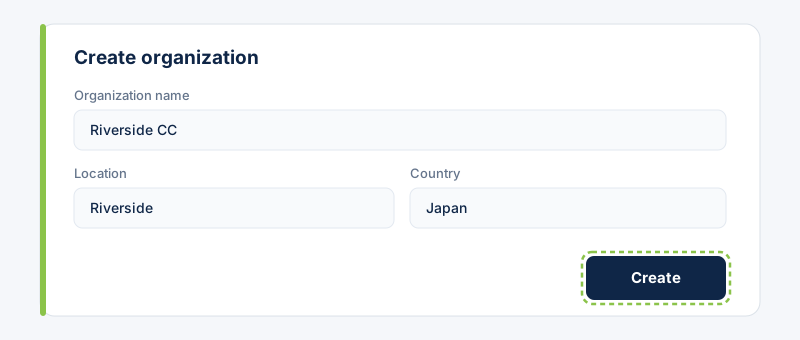 You can change the name, logo, colours and other details later in Settings → Organization.
 - 5
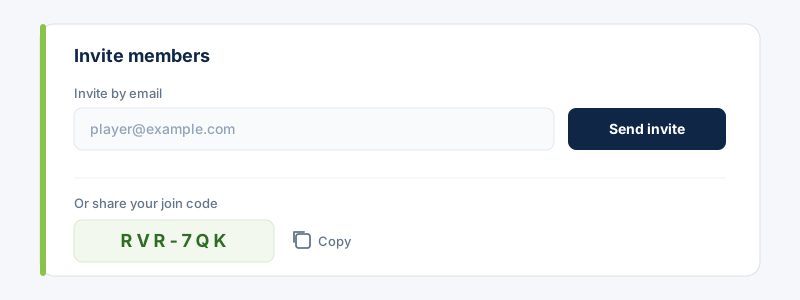
Invite your members: open Members and invite players by email, or share your club's join code so they can add themselves.
- 6
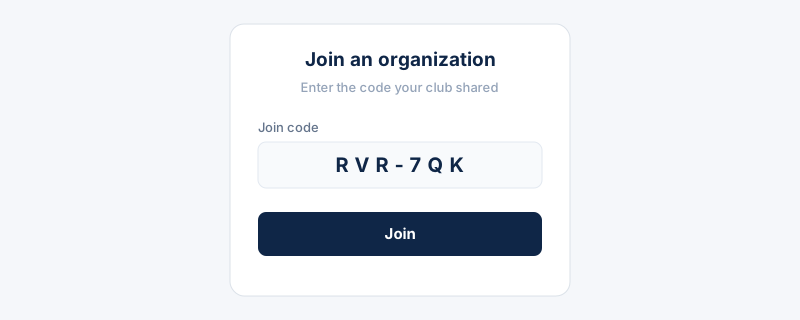
To join instead: choose “Join organization” and paste the invitation link, or enter the join code an owner shared with you. Then select “Join”.
 Some clubs review new members first — you'll get a notification the moment an owner or admin approves you.