Help Center
Teams
Create a team and set the squad
Add a team, assign its captain, vice-captain and wicket-keeper, and pick the squad.
- 1
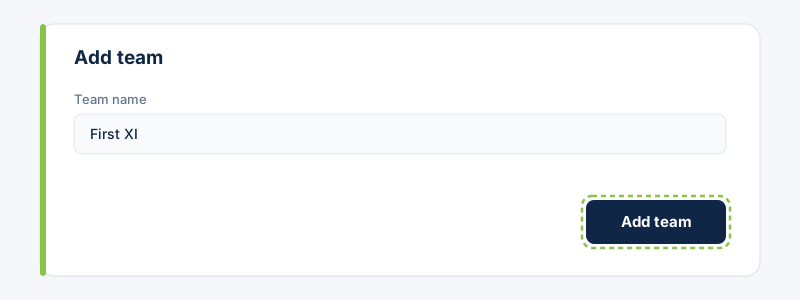
Go to Teams and choose “Add team”. Give it a name.
- 2
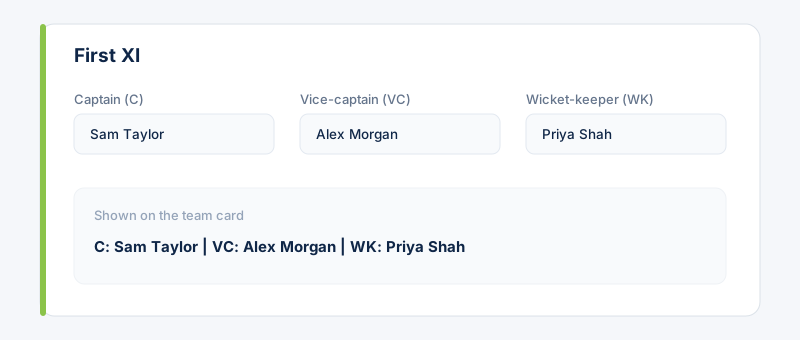
Set the Captain, Vice-captain and Wicket-keeper. These appear on the team card and pre-fill the Playing XI roles for the team's events.
- 3
Add players to the squad. Only squad members are invited to that team's events and counted in availability.
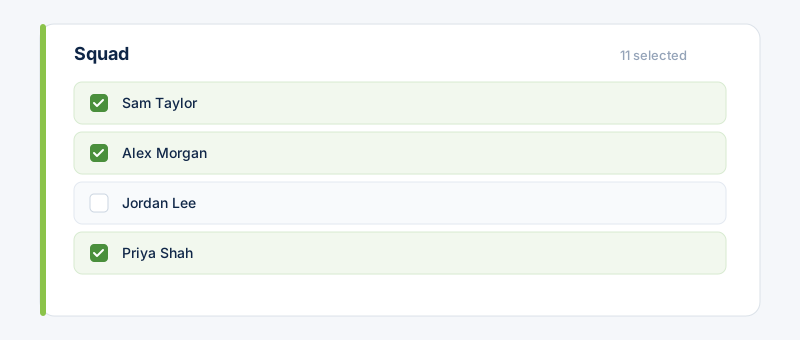 If a team's squad is empty, its events fall back to notifying the whole club.
Related guides
Still stuck?
Contact support →