Help Center
Events
Create a match or practice
Schedule an event, collect availability, and fix the Playing XI.
- 1
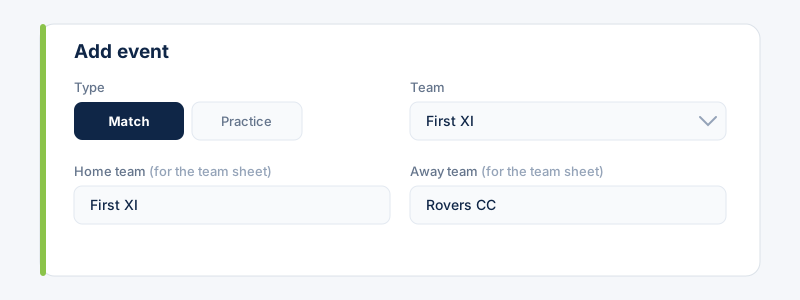
Go to Events and choose “Add event”. Pick the type (Match or Practice) and the team it's for. For a match, add the Away team (your opponent). Home team and Team sheet of are optional and only print on the team-sheet PDF.
- 2
Set the start time, venue, overs, and the availability voting deadline, then publish.
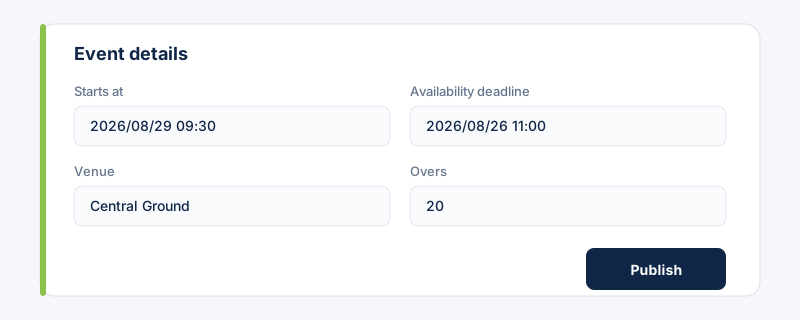 Pick the venue from your saved Venues to get an accurate map on the event's Details tab.
 - 3
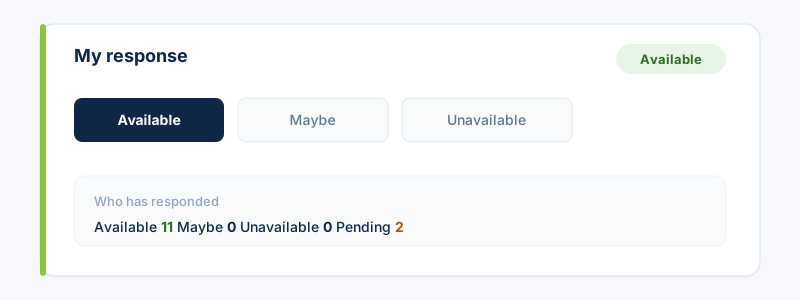
Publish the event. Players on the team are notified and can mark Available, Maybe, or Unavailable before the deadline.
- 4
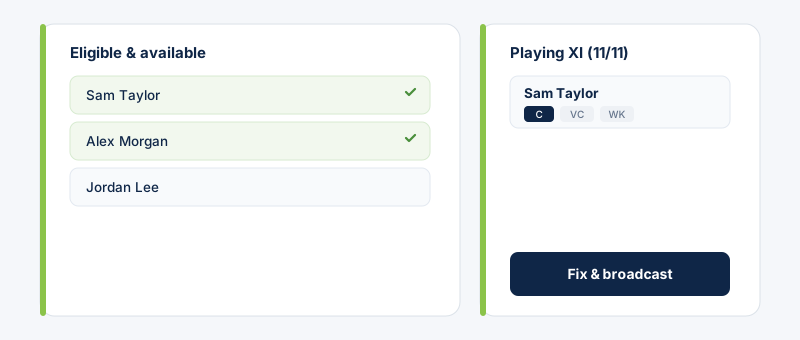
Open the Playing XI tab, pick from available players, set C/VC/WK, and fix the team. You can fix with as few as 7 players (owners can change this minimum in Settings → Preferences).
Still stuck?
Contact support →