Help Center
Events
Respond to an event
Tell your club whether you're available for a match or practice.
When an event is published you're asked for your availability. Respond before the deadline so selectors know who they can pick.
- 1
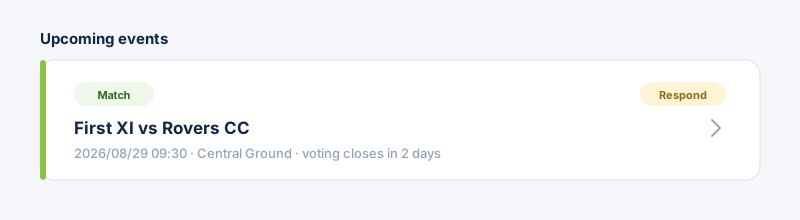
Open the event — tap it from “Upcoming events” on your dashboard, from the Events page, or from the notification you receive.
- 2
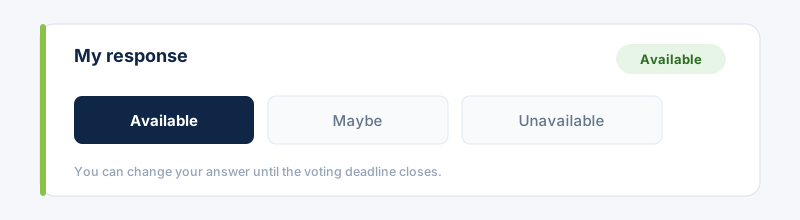
In “My response”, tap Available, Maybe, or Unavailable. You can change your answer any time until the voting deadline closes.
 Turn on device notifications so you never miss a new event or its deadline.
Still stuck?
Contact support →