Help Center
Members
Invite and manage members
Add people to your club, approve join requests, and set what each member can do.
- 1
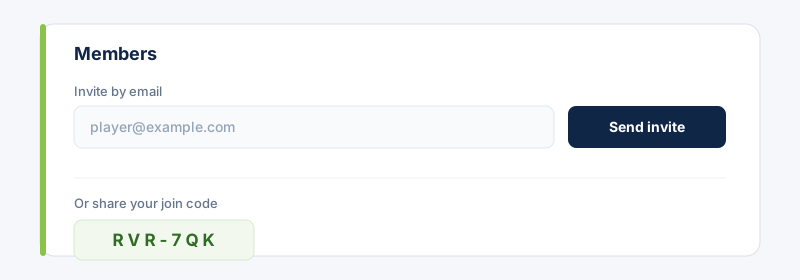
Open Members and invite people by email — they'll get a link to join. Or share your club's join code so they can request access themselves.
- 2
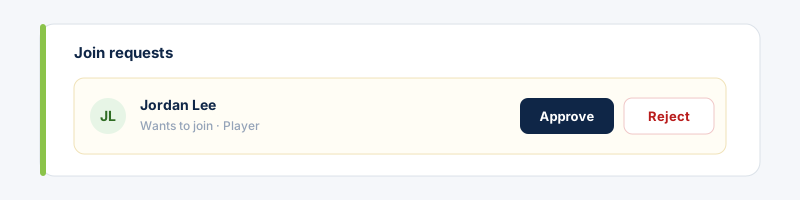
Approve or reject join requests. People waiting to join appear at the top with Approve / Reject actions.
- 3
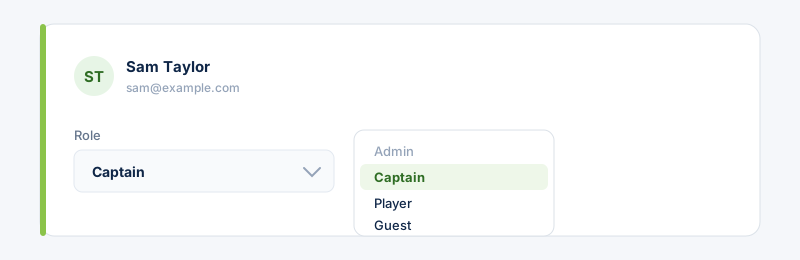
Set each member's role from their menu — Owner, Admin, Captain, Player or Guest. The role controls what they can see and do.
 Learn what each role can do in the “Roles & permissions” guide.
Related guides
Still stuck?
Contact support →