Help Center
Dues & payments
Set fees and collect dues
Add club fees, track what each member owes, and review submitted payments.
- 1
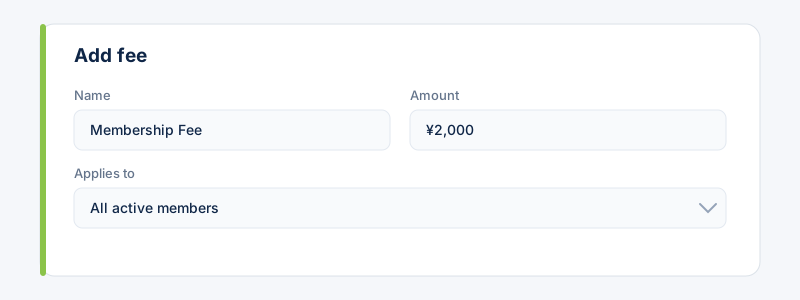
Go to Payments and add a fee. Choose the amount and who it applies to; each targeted member gets a charge.
- 2
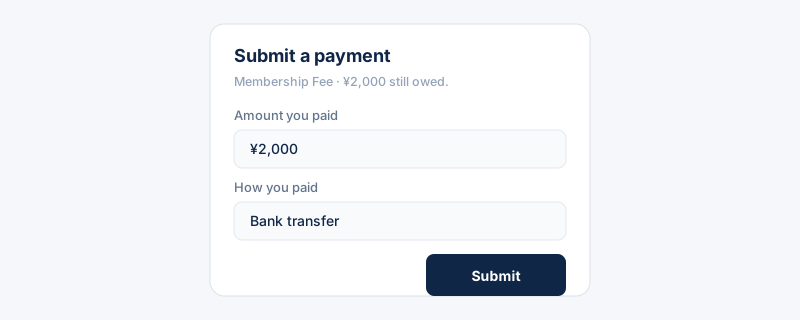
Members see what they owe and submit a payment (“I've paid”) with an optional note or proof.
- 3
You get an alert and review the submission — Approve or Reject (with a reason). You can also mark charges paid in bulk; both ask for confirmation first.
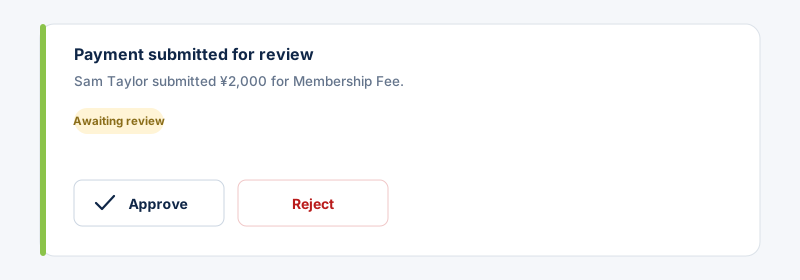 By default only the owner is alerted about submissions. Owners can opt admins in under Settings → Preferences.
Related guides
Still stuck?
Contact support →