Help Center
Notifications
Choose which alerts you receive
Control event, dues, and broadcast alerts across the in-app bell, device push, and email.
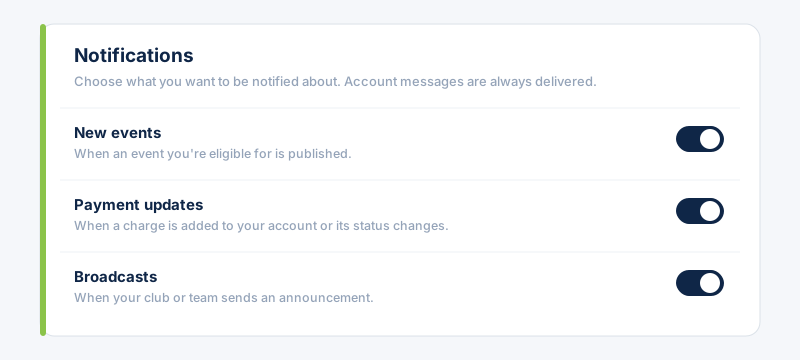
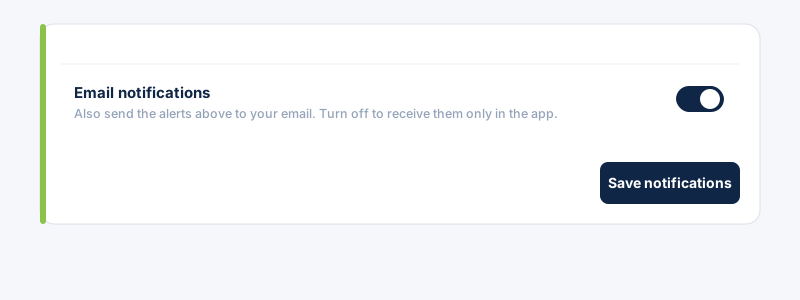
Each category has one switch that governs every channel at once — the in-app bell, device push, and email. There's also a separate switch to turn email off while keeping the others.
- 1
Open Settings → Notifications. Turn each category on or off: New events, Payment updates, Broadcasts. Turning one off stops that alert everywhere.
- 2
Use “Email notifications” to stop emails while still getting the in-app bell and device push. Tap Save notifications.
 Membership and account messages (invitations, approvals) are always delivered and aren't affected by these switches.
Related guides
Still stuck?
Contact support →