Help Center
Broadcasts
Send a broadcast
Post an announcement to your whole club or a specific team.
- 1
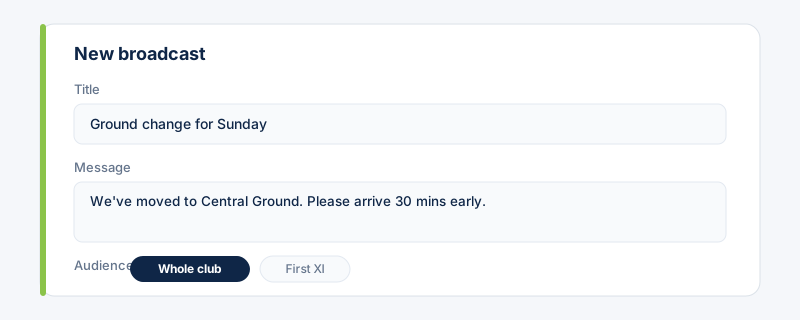
Open Broadcasts and compose a message: add a title and body, then choose the audience — the whole club or one team.
- 2
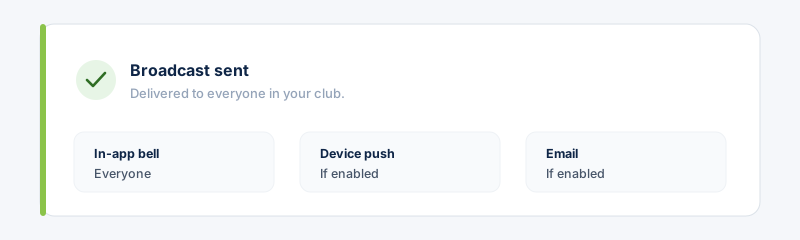
Send it. Members receive it in their notifications, and on their device and by email if they've enabled those.
 Broadcast availability and monthly limits depend on your plan.
Related guides
Still stuck?
Contact support →