Help Center
Dues & payments
Record expenses & export reports
Log what the club spends, watch your balance, and download a full report.
- 1
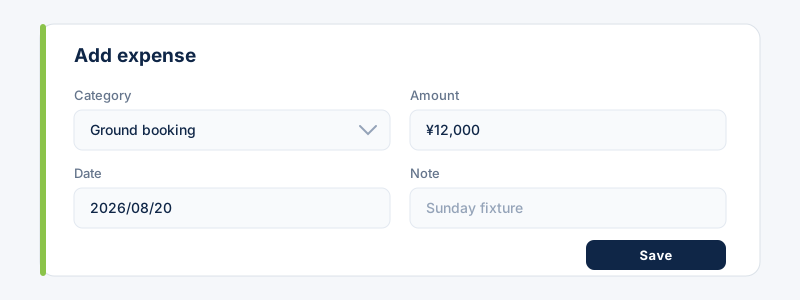
Open Expenses and add a spend: pick a category, enter the amount and date, and add a note. Select Save.
- 2
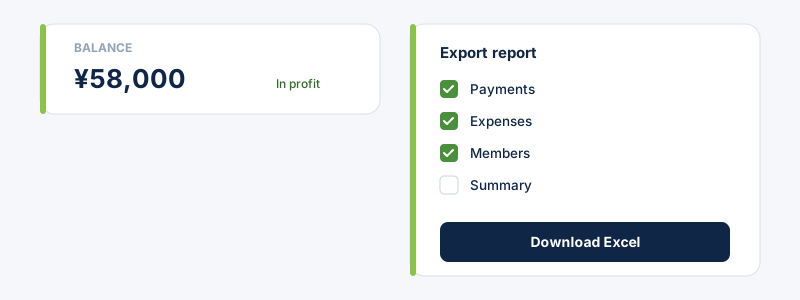
Your dashboard shows the club balance — money collected minus expenses. Export a full breakdown from Reports: choose the sheets and fields you want and download an Excel file.
Related guides
Still stuck?
Contact support →