Help Center
Getting started
Your profile & security
Set your name and photo, change your password, and turn on two-factor.
- 1
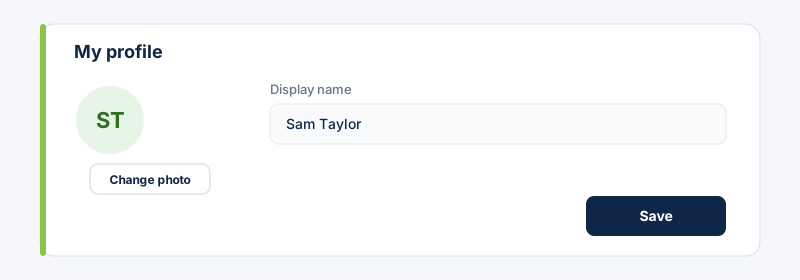
Open Settings → My profile. Set your display name and add a photo, then Save. This is the name teammates see.
- 2
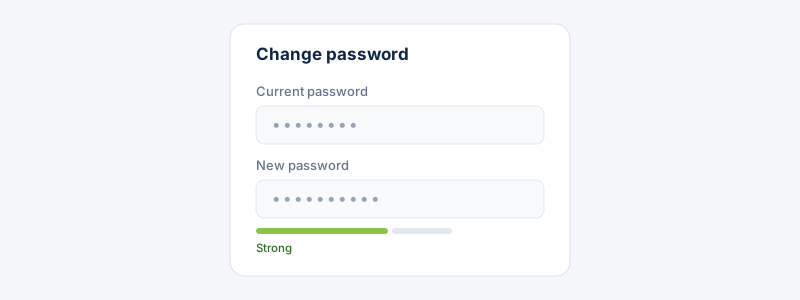
Under Security, change your password: enter your current one, then a new password that meets the strength requirements.
- 3
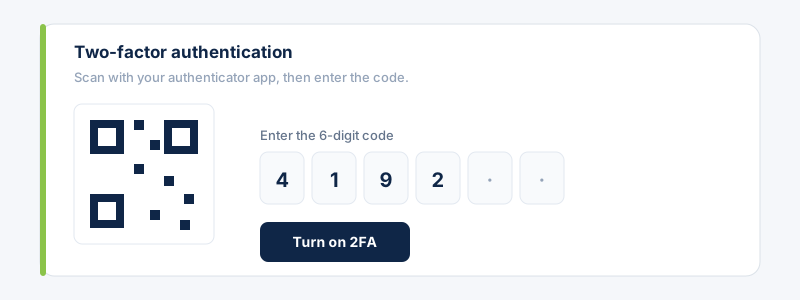
For extra protection, turn on two-factor authentication: scan the QR code with an authenticator app, then enter the 6-digit code to confirm.
Related guides
Still stuck?
Contact support →