Help Center
Tournaments
Set up a tournament
Create a tournament, add a season, and register players.
- 1
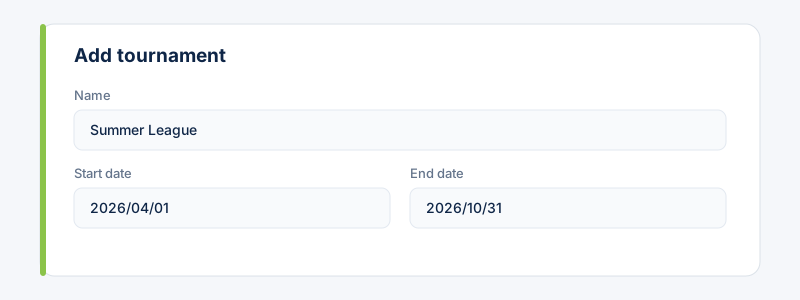
Go to Tournaments and choose “Add tournament”. Name it and set its dates.
- 2
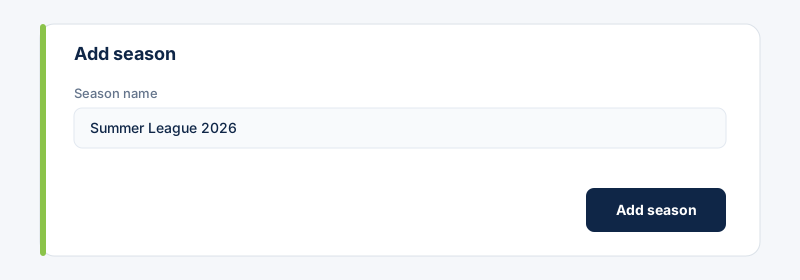
Add a season under the tournament (e.g. the year or a specific edition).
- 3
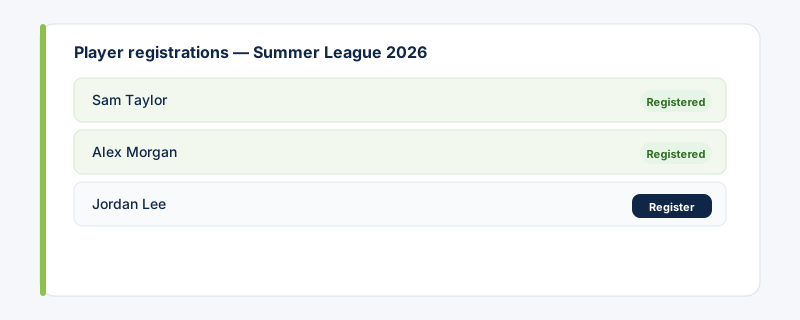
Register the players taking part in that season. Only registered players are eligible to be selected for the season's matches.
Related guides
Still stuck?
Contact support →